Internet data is life. You need it to connect with clients. You also need it to browse the internet to get paid faster as a freelancer. The Crane app can help you maintain an unlimited internet connection through the data subscription service in the Quick Actions settings on the homepage.
Like buying airtime, you can pay for data subscriptions through:
- The naira wallet.
- Crane Coins (CNC). It’s the reward for completing transactions and referral activities. CNC is usable only on the Crane app or affiliated communities.
How to buy data on the Crane app
Use the guidelines below to purchase internet data on the Crane app.
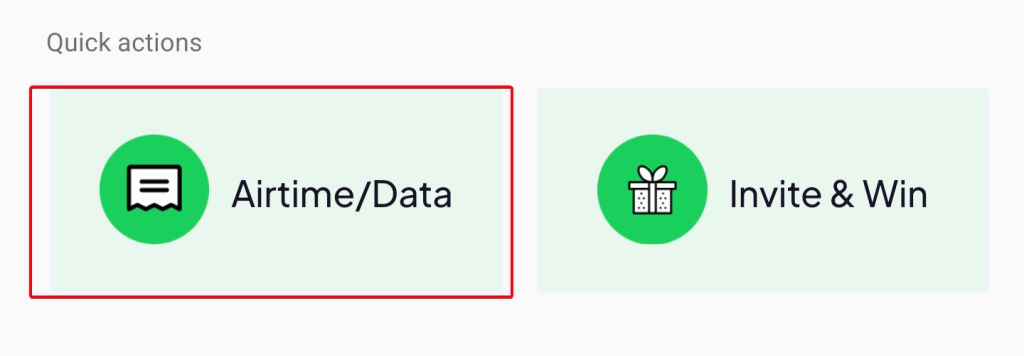
Step 1: Select the Airtime/Data option under Quick Actions.
Step 2: Tap the Data option at the top of the screen.

Step 3: Select the mode of payment (naira or CNC) for data purchase. You can only use CNC to buy data (or airtime) after converting $20 worth of crypto to naira on the Crane app.

Step 4: Input the recipient’s phone number. Our system automatically detects your internet service provider (ISP).

Step 5: Select your subscription plan with the Data Plan dropdown icon.

We selected MTN 2.5GB (2 days) for this tutorial, which cost ₦600.

Step 6: Input your secret transaction PIN to complete the process.

You should receive your data immediately. However, if you experience delays, contact [email protected] or reach us on social media platforms (Instagram, LinkedIn, and Twitter/X).