

We hate to see you leave. But if you want to delete your Crane account, follow the guidelines listed in this piece.
How to delete my Crane account
Step 1: Select the settings tab on the Crane app homepage.

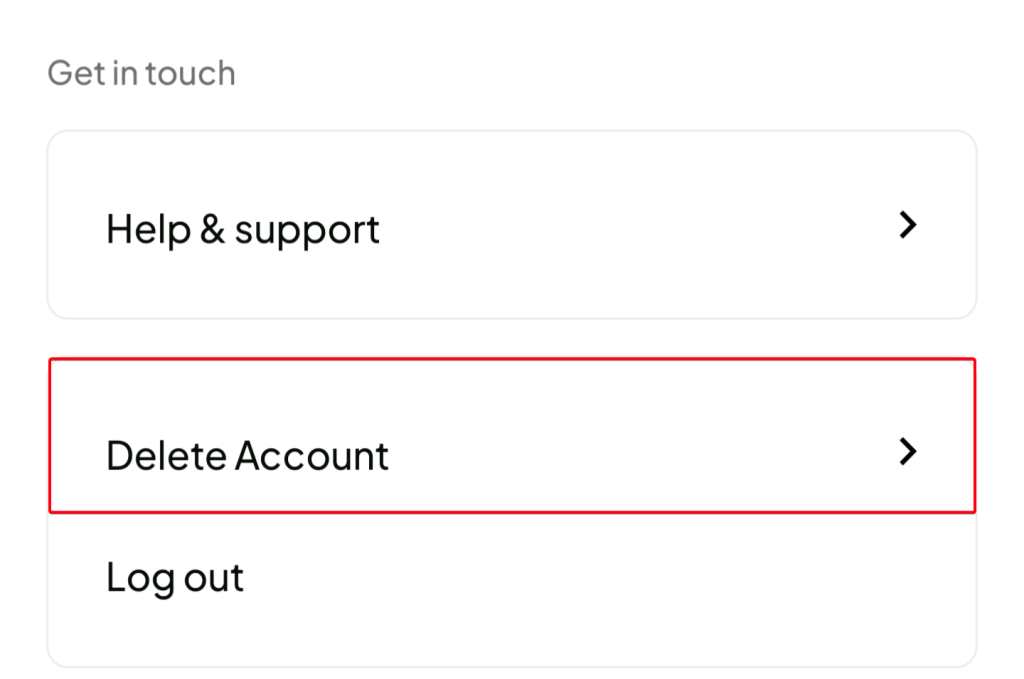
Step 2: Select Delete Account.
Step 3: Select the reason for deleting the account.

Step 4: Click on done.

Step 5: Input your password to confirm the closure of your account.

Step 6: Click on Yes, close my account.

You have successfully deleted your Crane account. To undo this, check your email and follow the instructions or [email protected].

